What Perfume Is This? How to Identify a Perfume From a Picture
What perfume is this picture showing? Read the label with Live Text or Lens, search by image, or scan the bottle, plus what each tool can and cannot tell you.
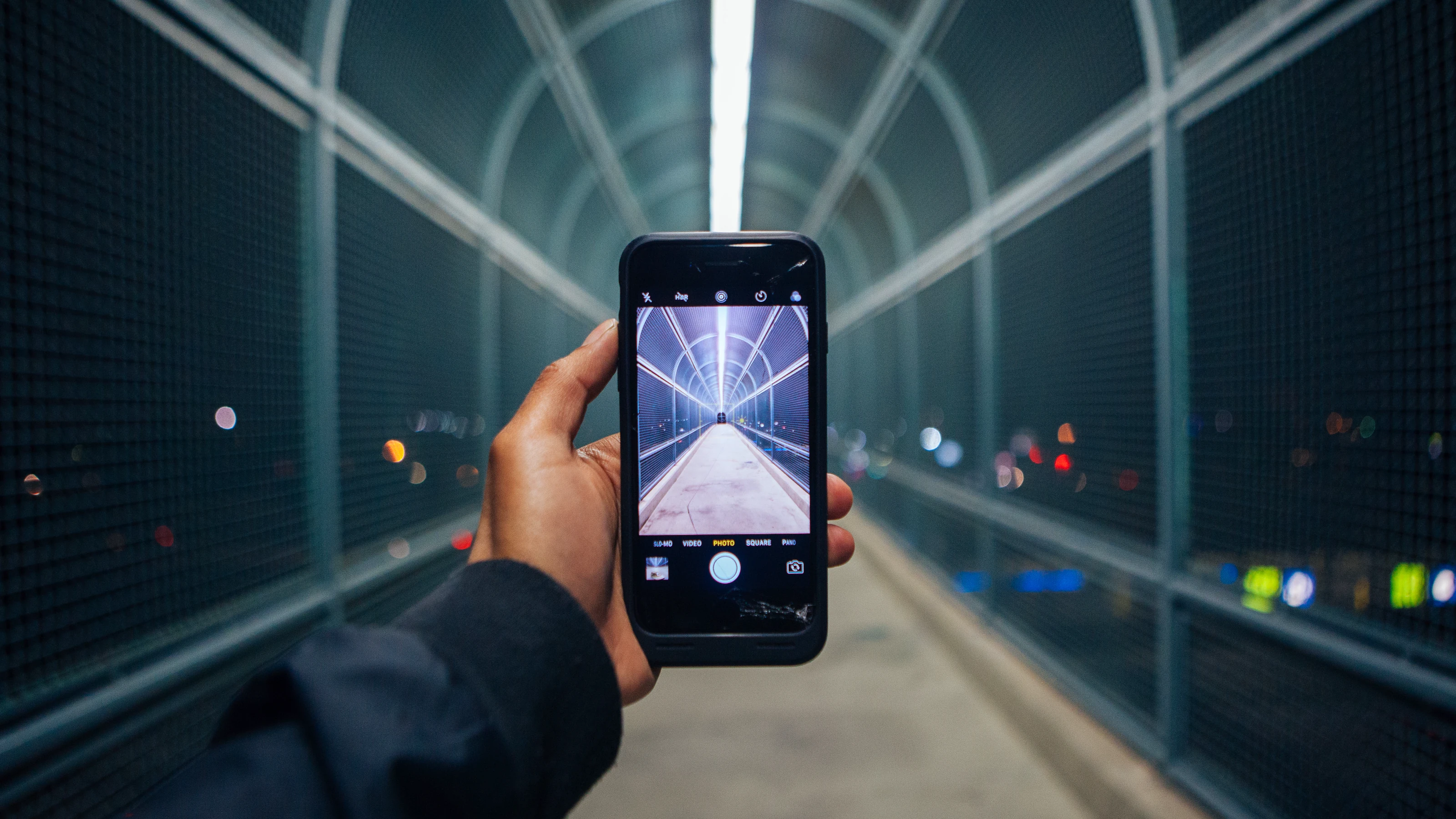
- 01If any word on the bottle is readable, start there: copy the text from the photo with Live Text on iPhone or Google Lens on Android, and search it. It is the most reliable route.
- 02If the label is not readable, search by image with Google Lens or Bing Visual Search. They return similar images, products and pages that use the picture; neither promises to name a specific perfume, and Bing says "AI might still make mistakes".
- 03A perfume scanner app is built for the job: Fragnatique's names the house and the release from one photo of the bottle or box. Whatever the tool, confirm the name on the house's own site before you buy.
To identify a perfume from a picture, read the label first: if any word on the bottle or box is visible, copy it from the photo with Live Text on an iPhone or Google Lens on Android and search it. If the label is not readable, search by image with Google Lens or Bing Visual Search, which return similar images, products and pages that use the picture. A perfume scanner app, such as the one in Fragnatique, is made for the job and names the house and release from one photo of the bottle or its box. Whatever tool you use, check the name on the house's own site before you buy.
Every instruction below comes from the help pages of Google, Apple, Microsoft and Pinterest, read on 23 November 2026. None of the general tools claims it can name a specific perfume, so each step below says what the tool returns and where it stops.
| Method | Works best on | What you get | Where it stops |
|---|---|---|---|
| Read the label (Live Text, Lens text) | Any photo where a word is legible | The brand or name as text you can search | Needs readable text |
| Google Lens | A clear bottle or box, or an advert | Similar images, products, pages with the image | No promise to name the perfume |
| Bing Visual Search | The same, on a computer or phone | Similar images, products, pages with the image | Microsoft: "AI might still make mistakes" |
| Pinterest Lens | Mood and style pictures | Ideas and pins that look alike | Built for ideas, not product names |
| Perfume scanner app | The bottle or box itself | House, release, notes | Needs the bottle or box in the frame |
Step 1: Read the Label in the Photo
The fastest answer is usually already in the picture. Bottles usually carry the house on the glass or the cap, and boxes the name, the concentration and the size. A photo that is too small to read by eye can still hold text a phone can pick out.
- On iPhone and iPad. Apple's Live Text lets you touch and hold a word in a photo, adjust the grab points, then copy or share it; selecting several words gives suggested websites. In the camera, a yellow frame appears around detected text and a Detect Text button lets you copy, look up or search it. Apple says Live Text needs "an iPhone XS, iPhone XR, or later with iOS 15 or later", and it "isn't available in all regions or languages".
- On Android. Open the photo in Google Photos, tap More, then Google Lens. Google's help says: "To copy text, tap and select the words you'd like to copy." Lens can also translate the text, which helps with labels in Arabic, French or Japanese.
Search the words you copied with the word "perfume" added. If you now have a house and a name, skip to Step 4.
Step 2: Search by Image
When nothing is legible, let the picture do the searching.
Google Lens
On a computer, Google's help explains three ways: click the Search by image icon on google.com and choose "Upload a file", drag an image into the search box, or paste the image address. In Chrome, right-click any image on a page and pick "Search with Google Lens". On an iPhone, tap the Lens icon in the search bar of the Google app, Chrome or Safari, and choose a saved photo; drag the corners of the box to search only the bottle. The Google app also lets you add words to your search, such as "perfume" or "bottle".
Google says results can include results for objects in the image, similar images, and sites with the image or a similar one. That is the useful part: an advert, a shop listing or a review page that uses the same bottle picture can carry the name.
Bing Visual Search
Microsoft's help says Visual Search "lets you search the web using an image instead of text". Open Bing Images, click the camera icon, then drag an image in, upload one, paste an image or its address, or take a photo with a webcam. Results can include similar images, products and pages that use the picture. Microsoft also says plainly: "AI might still make mistakes."
Pinterest Lens
Pinterest says Lens "lets you discover ideas inspired by anything you point your Pinterest camera at". You need to be logged in, then tap the camera icon in the search bar. It suits mood pictures, such as a styled vanity or a flat lay, where you want ideas more than a product name.
A note on the iPhone's own object identifier: Apple says Visual Look Up identifies "architectural landmarks, popular statues, famous art, plants, pets, books" and food. Perfume bottles are not on that list, so use the methods above instead.
Step 3: Scan the Bottle With a Perfume Scanner
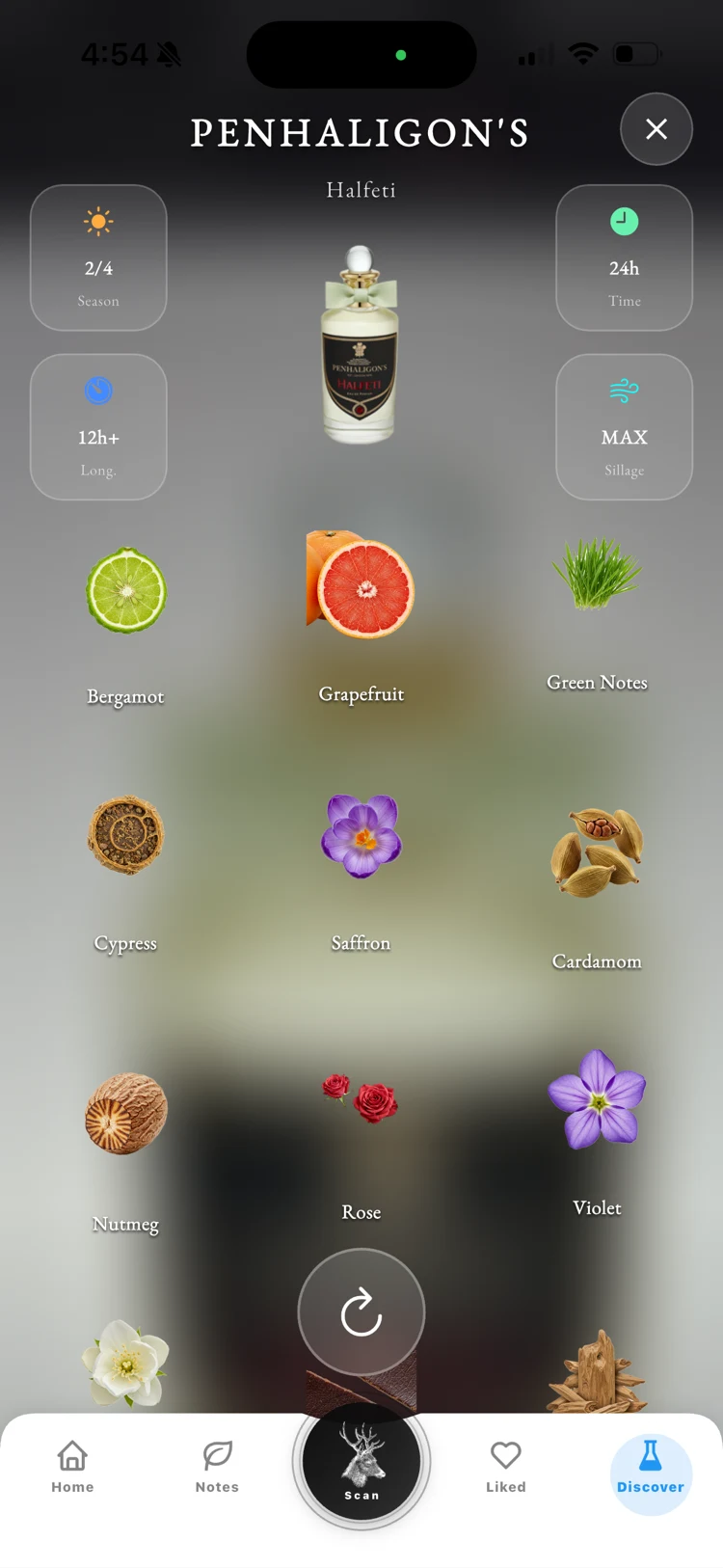
General image search looks for any matching picture on the web. A perfume scanner is made only for bottles. The Fragnatique perfume scanner, in the iPhone app, names the house and the release from one photo of the bottle or its box, then shows the notes pyramid, the main accords, the seasons it suits, how long it lasts and how far it carries, with your personal match score. It works on a bottle that has lost its box and on a tester on a shop shelf. Camera frames are processed in real time and never stored.
Fragnatique is free to download; the scanner is part of Premium, with free scans to try it first. An Android version is coming soon.
Best for. Our pick: a bottle on a friend's shelf, a tester in a shop, or a photo of a bottle you saved. For how scanners and AI finders fit together, see our guide to the AI cologne finder.
When the Picture Shows a Person, Not a Bottle
Many searches start from a photo of someone, an advert or a film still. There, the image can only show what is visible.
- Crop to the clue. A logo on a bag, a shop name in the background, a caption under an advert: search that part alone.
- Search the context. Adverts usually name the perfume in the caption or the campaign title; searching the person's name with "perfume" and the year can turn up an interview where they named it.
- Know the limit. If no bottle or name appears in the picture, no image search can tell you what someone smells of.
Perfume Finder by Picture: Two Different Things
People use "perfume finder by picture" for two jobs.
- Naming the perfume in a photo. That is the scanner in Step 3.
- Finding a perfume that suits you from a photo. Fragnatique's perfume finder takes a short quiz or one photo you share, then returns ranked matches, each with your score and the reason why, made by Fragnatique's proprietary matching algorithm.
Step 4: Confirm the Name Before You Buy
An image search can land on a flanker, an older bottle or a copy that looks the same. Once you have a name, compare the bottle, the cap and the label with the pictures on the house's own site, and read the notes there; our perfume database lists each bottle with its notes and main accords. Then buy from the house or a retailer it lists. If the bottle in your hand looks off, our guide on how to tell if perfume is fake walks through the checks, and our guide to perfume barcodes and batch codes explains what the numbers on the box can and cannot prove.
Privacy: What Happens to the Photo
- Google. "Browsers don't save the URLs you search in your browsing history", but Google may store searched URLs to improve its products; on Android, Lens activity is saved to your account unless you change your settings, and the Visual Search History setting is off by default.
- Microsoft. "The photos you provide may be used to improve Bing image processing services."
- Pinterest. It "needs permission to access your camera and photos to search and shop".
- Fragnatique. Scanner camera frames are processed in real time and never stored.
Frequently asked
How do I find out what perfume is in a picture?
Look for text first. If the brand or name is printed on the bottle or box, copy it from the photo with Live Text on iPhone or Google Lens and search it. If not, run a search by image with Google Lens or Bing Visual Search, which show similar images, products and pages that use the picture. A perfume scanner app such as Fragnatique's names the house and release from a photo of the bottle or box. Confirm the result on the house's own site.
Can Google Lens identify a perfume?
Often it can point you to one. Google says Lens results can include results for objects in the image, similar images and sites that use the image or a similar one. It does not promise to name a specific perfume, so treat the results as leads and check the bottle shape and label against the house's own pictures.
Can my iPhone identify a perfume from a photo?
It can read the label. Live Text lets you select and copy text in a photo, and look it up or search the web; Apple says it needs an iPhone XS, iPhone XR or later with iOS 15 or later. Visual Look Up, the iPhone's object identifier, lists landmarks, statues, art, plants, pets and books, not perfumes. For the bottle itself, use an image search or a perfume scanner app.
What is a perfume finder by picture?
The phrase covers two things. One names the perfume in a photo: a perfume scanner, such as the one in the Fragnatique app. The other suggests perfumes for you from a photo you share: Fragnatique's perfume finder takes a short quiz or one photo and returns ranked matches, each with your score and the reason why.
What if the picture shows only a person or an advert, not the bottle?
Crop to whatever is readable: a logo, a name on a bag, a caption. Google's iPhone help explains how to drag the corners of the box to search only part of an image, and the Google app lets you add words to your search, such as "perfume". If no bottle or name is visible at all, no image search can tell you what someone smells of.
Are photo searches private?
Read each provider's terms. Google says it may store the URLs you search to improve its products, and Lens activity is saved to your Google account unless you change your settings. Microsoft says photos you give Bing Visual Search may be used to improve its image services. Fragnatique's scanner processes camera frames in real time and never stores them.

Written by Fragnatique Team
Published